
Chatbot for ERP: Practical Use Cases for Every Role in the Business
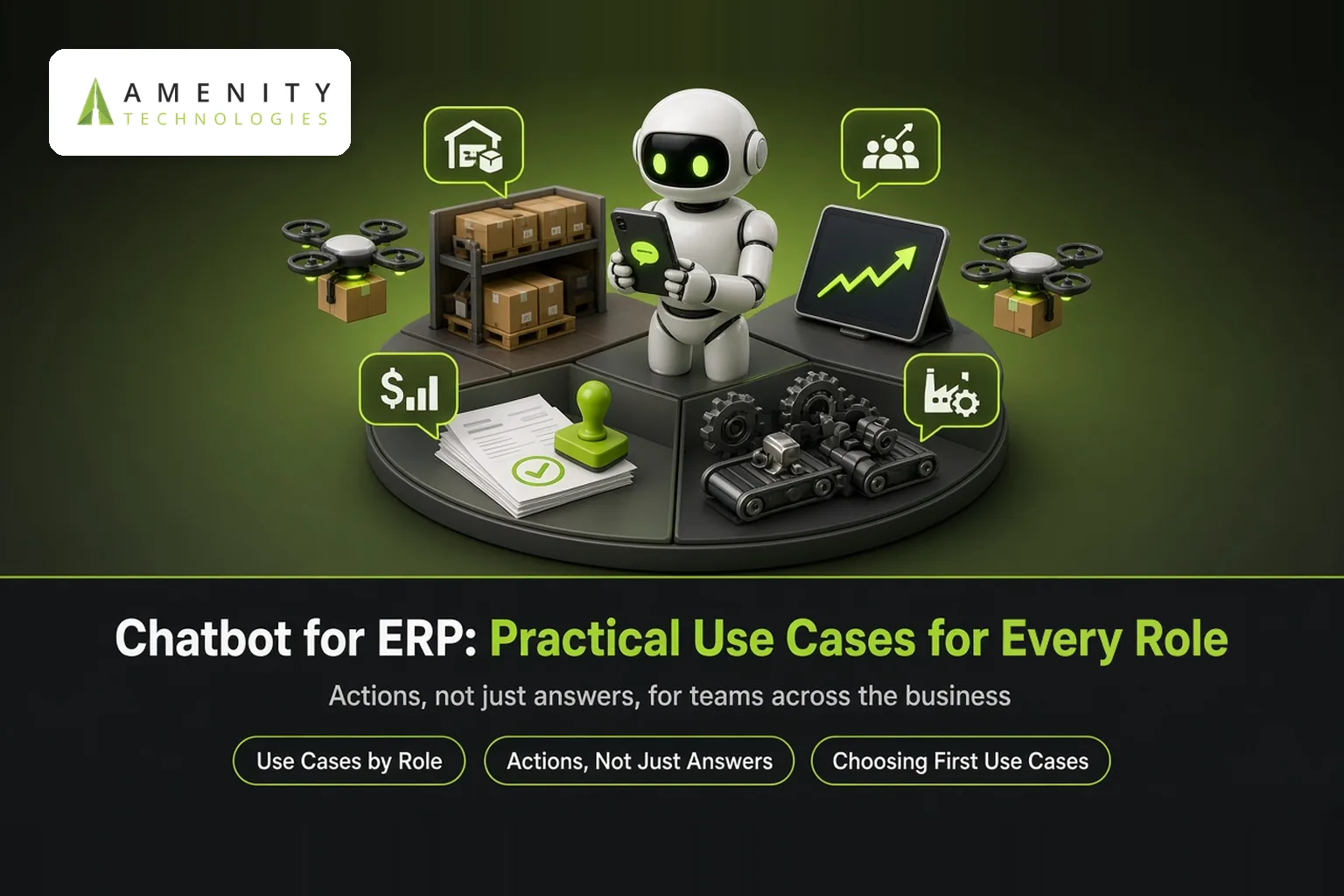
ERP systems hold a company's most important operational data, but they are rarely easy to use. Staff learn a few screens and avoid the rest, or ask colleagues for reports. A chatbot for ERP lets anyone ask questions and complete simple tasks in plain language. This guide looks at use cases role by role. See our ERP AI chatbot and how ERP chatbots are changing workflows.
Use Cases by Role
| Role | Example requests |
|---|---|
| Sales | "Is item X in stock in Pune?" "What's the status of order 4521?" |
| Procurement | "Show pending POs for supplier ABC" "Which approvals are waiting for me?" |
| Inventory and warehouse | "Which items are below reorder level?" "Where is batch 77 stored?" |
| Finance | "Show overdue receivables over 60 days" "Has invoice 889 been paid?" |
| Production | "What's scheduled on line 2 tomorrow?" "Which work orders are delayed?" |
| Management | "Compare this month's sales with last month by region" |
| Field staff | "Check customer credit limit before I take this order" |
Actions, Not Just Answers
- Approve or reject purchase requests
- Create sales orders or quotations from chat
- Raise stock transfer requests
- Send reports by email on request
Actions require confirmation and follow the user's ERP permissions. Read ERP AI chatbot architecture and security.
Why It Helps
- Less training: people ask questions instead of learning screens.
- Faster decisions: answers in seconds instead of waiting for reports.
- Mobile access: field and shop-floor staff use chat on their phones.
- Fewer interruptions: ERP experts are asked fewer routine questions.
Combining ERP With Other Systems
Questions often cross systems: a customer's orders in ERP, their contacts in CRM, their tickets in helpdesk. One assistant across these is more useful than separate bots. See our case study on unifying ERP, CRM and HRMS and chatbot with HRMS.
Choosing First Use Cases
- Ask each department for their most frequent ERP lookups.
- Start with read-only questions that save the most time.
- Add approvals and simple transactions next.
- Expand to analytics questions for managers.
Measuring Value
- Time saved per lookup or approval
- Reduction in report requests to IT or analysts
- Approval cycle times
- Adoption by role
For a full plan, read ERP chatbot implementation plan and ROI.
Key Takeaways
- ERP chatbots let every role query and act on ERP data in plain language.
- Start with frequent read-only lookups, then add approvals.
- One assistant across ERP, CRM and HRMS is most useful.
Example: Stock Check From the Field
A field salesperson at a customer site asks on his phone, "How many units of item 4410 are available in the Ahmedabad warehouse, and when is the next batch due?" The ERP chatbot replies with current stock and the expected receipt date from open purchase orders. He confirms the order on the spot instead of calling the office and waiting for an answer.
Common Pitfalls
- Trying to cover every ERP module in the first release
- Analytics answers without showing filters used
- Not involving ERP key users in design
How Amenity Approaches ERP Chatbot Projects
- Interview departments about frequent tasks
- Prioritise read-only lookups
- Add approvals and transactions
- Expand across departments
ERP key users help define terminology and test answers.
Questions to Ask Before You Start
- Which ERP and version do you run?
- Which departments ask for reports most often?
- Who owns ERP data access approvals?
The Bottom Line
An ERP chatbot makes the company's most valuable system usable by everyone, not just a few experts. Starting with each role's most frequent questions delivers quick wins that build momentum for broader adoption.
About Amenity Technologies
Amenity Technologies is a GenAI and AI development company based in Ahmedabad, India, with a team of 50+ AI specialists. We build chatbots, voice bots, RAG systems, AI agents, computer vision and custom AI software for clients worldwide. See our awards and achievements.
Related Reading
- ERP AI chatbot: integration architecture and security
- ERP chatbot: implementation plan and ROI
- How erp ai chatbots are changing enterprise workflows
Frequently Asked Questions
What is a chatbot for ERP?
An assistant that lets employees query ERP data and complete simple ERP tasks, such as checking stock or approving POs, in plain language.
Which roles benefit from an ERP chatbot?
Sales, procurement, inventory and warehouse, finance, production, management and field staff.
Can an ERP chatbot approve purchase orders?
Yes, with confirmation and in line with the user's ERP permissions and approval rules.
Does an ERP chatbot replace ERP screens?
No. It handles frequent questions and simple tasks, while complex work still happens in the ERP.
Where should ERP chatbot projects start?
With the most frequent read-only lookups in each department, then approvals and simple transactions.
Explore an ERP Chatbot
Talk to our AI team about your use case, or explore our case studies.