
How ERP AI Chatbots Are Changing Enterprise Workflows
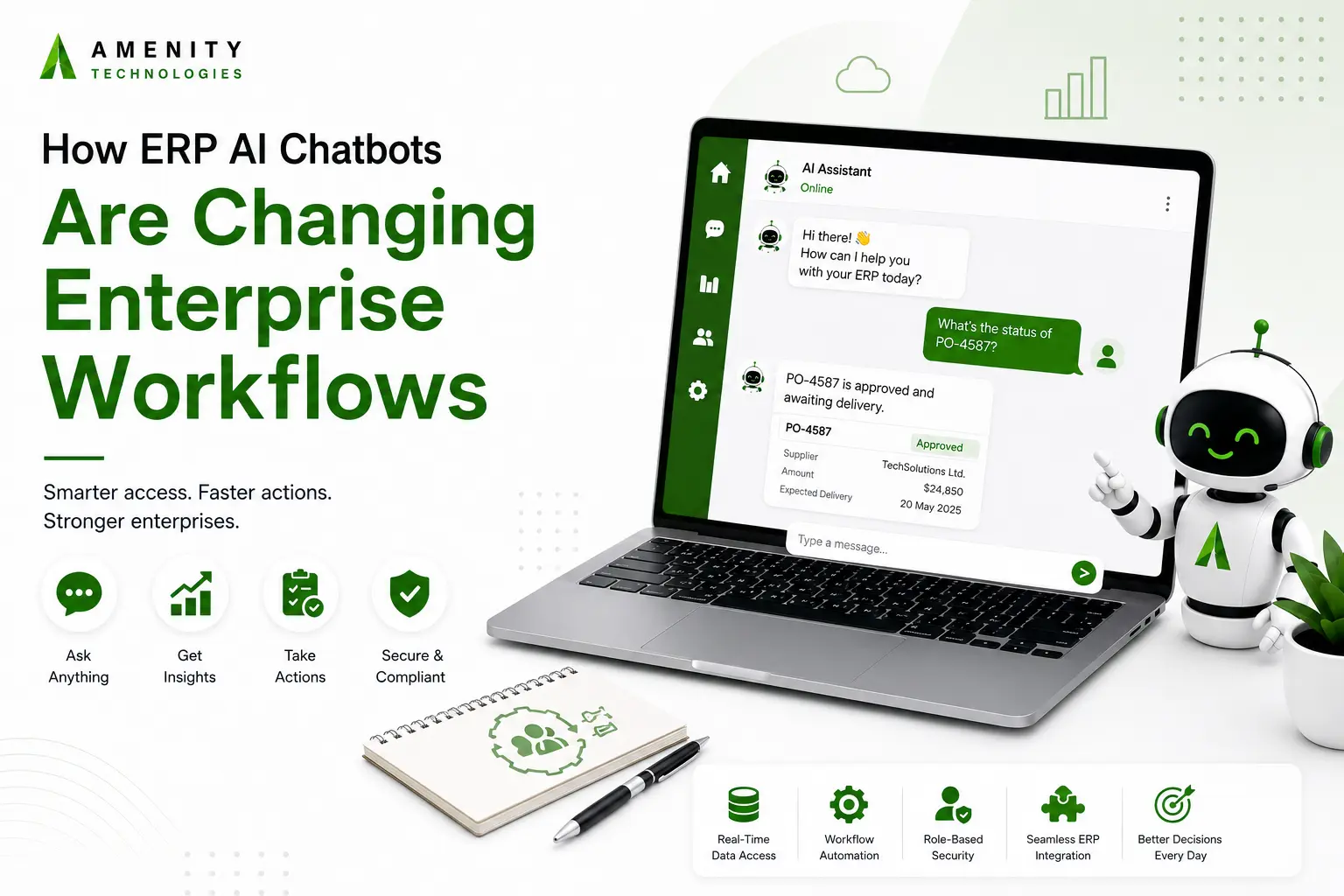
ERP systems already hold much of the information a large business needs to run. Finance records, purchase orders, inventory figures, supplier details, employee records, and other operational data are usually stored there.
The difficulty is getting to that information.
An employee who uses the ERP only occasionally may have no idea which screen contains a particular record. Even experienced users can spend time moving between modules or waiting for another team to pull a report.
An ERP AI chatbot puts a different interface in front of that information. An employee can ask a question in everyday language instead of figuring out where the answer sits inside the ERP. If the necessary connections are in place, the chatbot can also handle certain requests rather than just returning information.
Where Employees Run Into Problems With ERP Systems
ERP software is designed to cover a lot of ground. That is part of its value, but it also means that simple jobs can involve more steps than expected.
A warehouse manager may want to know how much stock is available at three locations. A finance employee may be checking whether an invoice has been paid. Someone in HR may be looking for the latest leave policy.
None of these requests is particularly complicated. The employee still has to find the right place to look.
An ERP chatbot can remove some of that searching. Instead of remembering menus, report names, or transaction screens, the employee can ask for the information directly.
What Changes When a Chatbot Sits Alongside the ERP?
Finding Information
The first use is also one of the simplest. Employees ask questions and receive information they are permitted to access.
A supply chain manager could ask about stock for a particular item across several warehouses. A finance employee could ask for the status of a supplier payment. The chatbot handles the request without requiring the user to know how that information is stored.
Taking Care of Routine Requests
There are situations where returning information is only the first step.
With the appropriate integrations, an ERP AI chatbot can be connected to approved actions. A user might submit a purchase request, update certain supplier details, or send an expense for approval through the conversation.
Those actions should only be available when the underlying systems allow them and the user’s permissions are sufficient.
Working Within Existing Permissions
A chatbot should not become a back door into the ERP. If an employee cannot access payroll information through the ERP, asking the chatbot should not change that. The system needs to identify the user and apply the same access rules to the information or action being requested.
That becomes particularly important in companies where finance, HR, procurement, and operations have very different access requirements.
Where It Can Make Everyday Work Easier
Supply Chain and Inventory Management
Inventory teams often need quick answers about stock levels, warehouse locations, incoming shipments, and suppliers. A conversational interface can make those checks less dependent on someone knowing the ERP inside out.
Finance and Procurement Operations
Questions about invoices, payments, purchase orders, and approvals can take up a surprising amount of internal communication. When the relevant information is available in the ERP, a chatbot can answer suitable questions or start an approved workflow.
Human Resources and Internal Support
Employees ask HR about leave, benefits, policies, and onboarding throughout the year. Many of these questions have straightforward answers. An internal chatbot can make that information easier to find without turning every question into a separate HR request.
Measure Real Impact
It is easy to count chatbot conversations. That number alone does not say much.
The better question is what happened to the work around those conversations.
If employees previously spent ten minutes finding a routine record, has that time gone down? Are fewer basic requests reaching the finance or HR team? Are people completing certain approval processes sooner? Are employees actually using the chatbot after the initial launch?
The useful measures will differ from one department to another. There is no reason for an inventory team and an HR team to judge the system by exactly the same numbers.
Keep Security in the Design From the Start
An ERP chatbot may have access to information that should not be broadly available. Security therefore has to be considered before the first connection is made.
The system needs to know who the user is and what that user is allowed to see or change. Reading a stock figure is one thing; changing a supplier record is another. The permissions and approval requirements should reflect that difference.
Activity should also be traceable. Organizations may need to review what was asked, what information was returned, and whether an action was taken.
Data handling matters too. Before deployment, the business should establish how ERP information is processed, where it is stored, and what the AI provider is permitted to do with it.
Start With a Small Part of the ERP
There is little reason to connect every ERP function at once.
A better starting point is a task that comes up often and carries limited risk. Inventory lookups, internal policy questions, or basic payment-status requests are examples. The first version can be used by a small group, and the conversations can be reviewed to see what works and what does not.
That review is useful for another reason. It shows where the chatbot should stop and let a person take over.
Once the first workflow is dependable, the business can decide whether another department or process is worth adding.
Making the ERP Easier to Work With
An ERP AI chatbot does not need to replace the ERP interface. In many cases, its value comes from giving employees another way to reach information and routine processes that already exist.
The technology is most useful when it is tied to a real source of friction: too many basic requests, difficult information searches, or repetitive steps that employees have to perform throughout the day.
Start there. Connect only what is needed, keep existing permissions and approvals intact, and see how people use it before expanding further.
FAQs
Q.1. How does an ERP AI chatbot fetch real-time inventory or ledger data without slowing down core enterprise databases?
A: Instead of running heavy relational queries directly on live ERP production databases, modern chatbots query indexed vector embeddings or mirrored read-replicas updated via event-driven microservices. This allows the AI assistant to deliver sub-second data retrieval while keeping primary operational systems running at full capacity.
Q.2. Can an ERP AI chatbot write or update records back to the ERP system safely?
A: Yes. Enterprise-grade chatbots implement bidirectional, state-aware API integrations. Rather than granting the AI direct database access, write requests trigger controlled API endpoints that enforce validation schemas, business logic rules, and mandatory approval workflows before updating the ledger or inventory count.
Q.3. How does Amenity Technologies guarantee strict enterprise security and data privacy during ERP integration?
A: We enforce zero-data-retention API policies, isolated vector databases, and enterprise-grade encryption for both stored data and active transfers. Your corporate records, financial ledgers, and operational logs are never shared or used to train public language models.