
ERP AI Chatbot: Integration Architecture and Security Explained
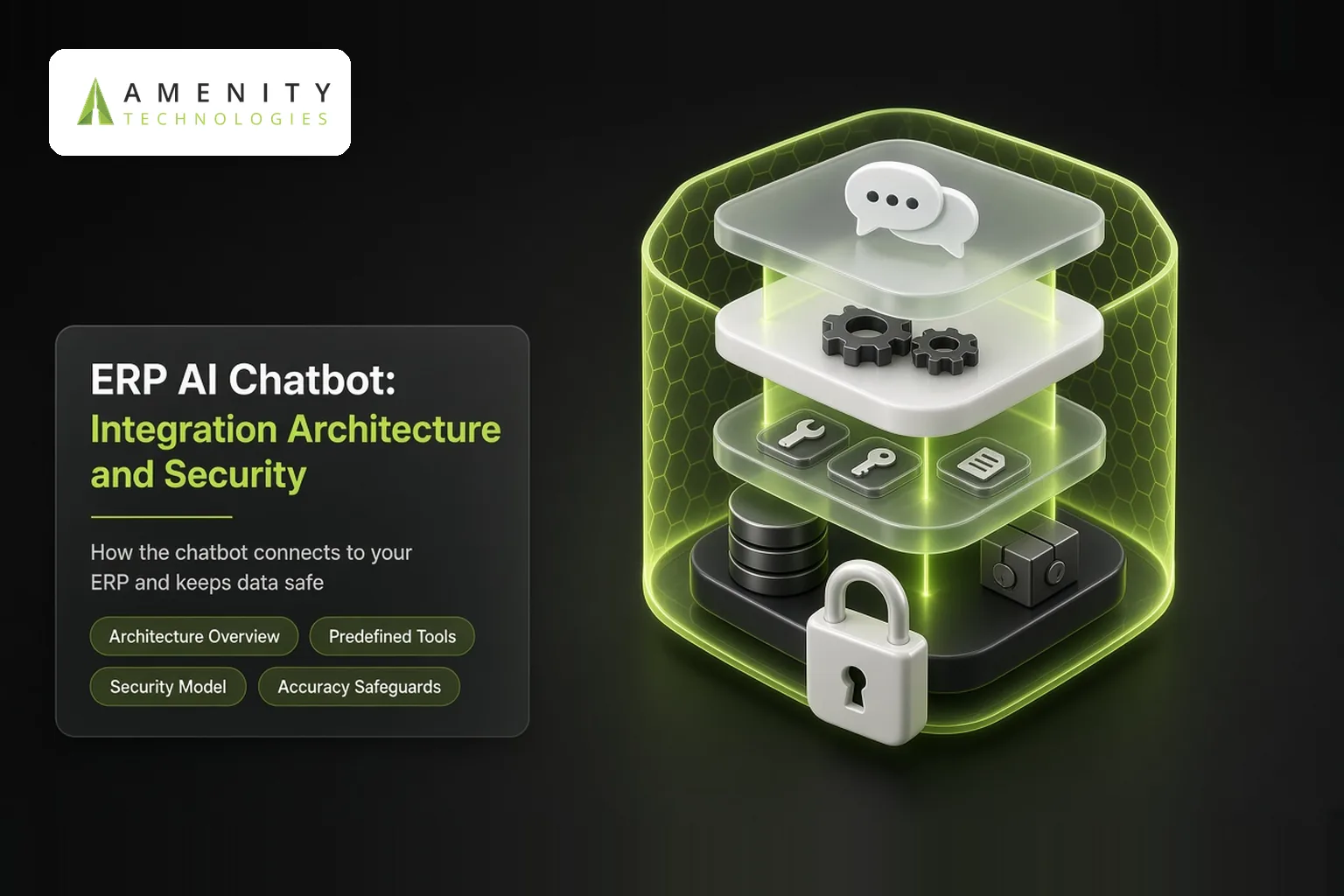
An ERP AI chatbot must turn a question like "Which customers owe us more than ₹5 lakh?" into the right ERP query, return accurate numbers and never show data the user is not allowed to see. Getting this right is mainly an integration and security challenge. This article explains the architecture behind a reliable ERP AI chatbot.
Architecture Overview
- Interface: Teams, Slack, web, mobile or WhatsApp.
- Language layer: understands intent, entities such as customers, items and dates, and context.
- Tool layer: a set of approved, well-defined functions such as "get order status" or "list overdue invoices".
- Data access layer: ERP APIs or a governed reporting layer.
- ERP: the system of record.
Predefined Tools vs Free-Form Queries
| Approach | Strengths | Risks |
|---|---|---|
| Predefined tools and APIs | Accurate, secure, easy to audit | Covers only defined questions |
| Natural language to queries | Flexible analytics questions | Wrong joins or filters, performance and access risks |
Most production systems use predefined tools for operational tasks and allow flexible queries only on a governed, read-only reporting layer with validation.
Integration Options by ERP Type
- Modern cloud ERPs: REST or OData APIs.
- Older on-premises ERPs: middleware, database views with strict permissions or an API layer built for the chatbot.
- Analytics: a data warehouse or reporting database fed from the ERP.
Our AI API development and legacy modernisation teams build these layers.
Security Model
- Authenticate users through single sign-on.
- Enforce ERP roles and data scopes on every call, such as by company, branch or cost centre.
- Never give the chatbot unrestricted database access.
- Confirm write actions and require approval rights.
- Log questions, tool calls and results for audit.
- Protect against prompt injection by limiting tools and validating parameters.
Accuracy Safeguards
- Show the filters used, such as date range and branch, with every answer.
- Link to the ERP record or report for verification.
- Test with a set of known questions and expected numbers.
Performance
Heavy queries on live ERP databases can slow operations. Use caching, reporting replicas and limits on result sizes.
Hosting
ERP data is sensitive; many organisations choose private cloud or on-premises hosting for the chatbot components. Read on-prem vs cloud chatbot deployment.
For role-by-role use cases, read chatbot for ERP use cases.
Key Takeaways
- Use predefined tools for operational questions and actions.
- Allow flexible queries only on governed, read-only data.
- Enforce ERP roles, confirm writes and log everything.
Example: An Approval Action
A manager asks, "Approve PO 7782." The bot retrieves the PO summary, shows supplier, value and items, and checks that the manager has approval rights for that value and cost centre. The manager confirms, the bot calls the ERP approval API with the manager's identity, and the action is logged with timestamp and outcome for audit.
Common Pitfalls
- Unrestricted database credentials for the bot
- Heavy queries on the live ERP database
- Answers without visible filters or links to source records
How Amenity Approaches ERP AI Integration Projects
- Assess ERP version, APIs and data
- Design tools, access and reporting layers
- Build with permissions and logging
- Test accuracy and security before rollout
IT and ERP owners approve every tool the bot can use.
Questions to Ask Before You Start
- Does your ERP expose APIs, and which modules?
- Is there a reporting database or warehouse?
- What hosting rules apply to ERP data?
The Bottom Line
Accuracy and security are what make ERP chatbots trustworthy enough for daily use. Predefined tools, governed data access and strict permissions let organisations open ERP data to more people without opening new risks.
About Amenity Technologies
Amenity Technologies is a GenAI and AI development company based in Ahmedabad, India, with a team of 50+ AI specialists. We build chatbots, voice bots, RAG systems, AI agents, computer vision and custom AI software for clients worldwide. See our awards and achievements.
Related Reading
- Chatbot for ERP: use cases by role
- ERP chatbot: implementation plan and ROI
- Chatbot with HRMS: employee self-service guide
Frequently Asked Questions
How does an ERP AI chatbot get data from the ERP?
Through ERP APIs, middleware or a governed reporting layer, using predefined tools for operational tasks.
Should an ERP chatbot write SQL queries directly?
Only on a governed, read-only reporting layer with validation. Operational tasks should use predefined, secure tools.
How does an ERP chatbot respect user permissions?
It authenticates users via single sign-on and enforces ERP roles and data scopes on every call.
Can ERP chatbots work with older on-premises ERPs?
Yes, using middleware, permission-restricted database views or an API layer built for the chatbot.
How do you make ERP chatbot answers trustworthy?
Show filters used, link to ERP records, test against known answers and log all queries.
Design a Secure ERP AI Chatbot
Talk to our AI team about your use case, or explore our case studies.