
Enterprise Chatbot Solutions: A Buyer's Guide
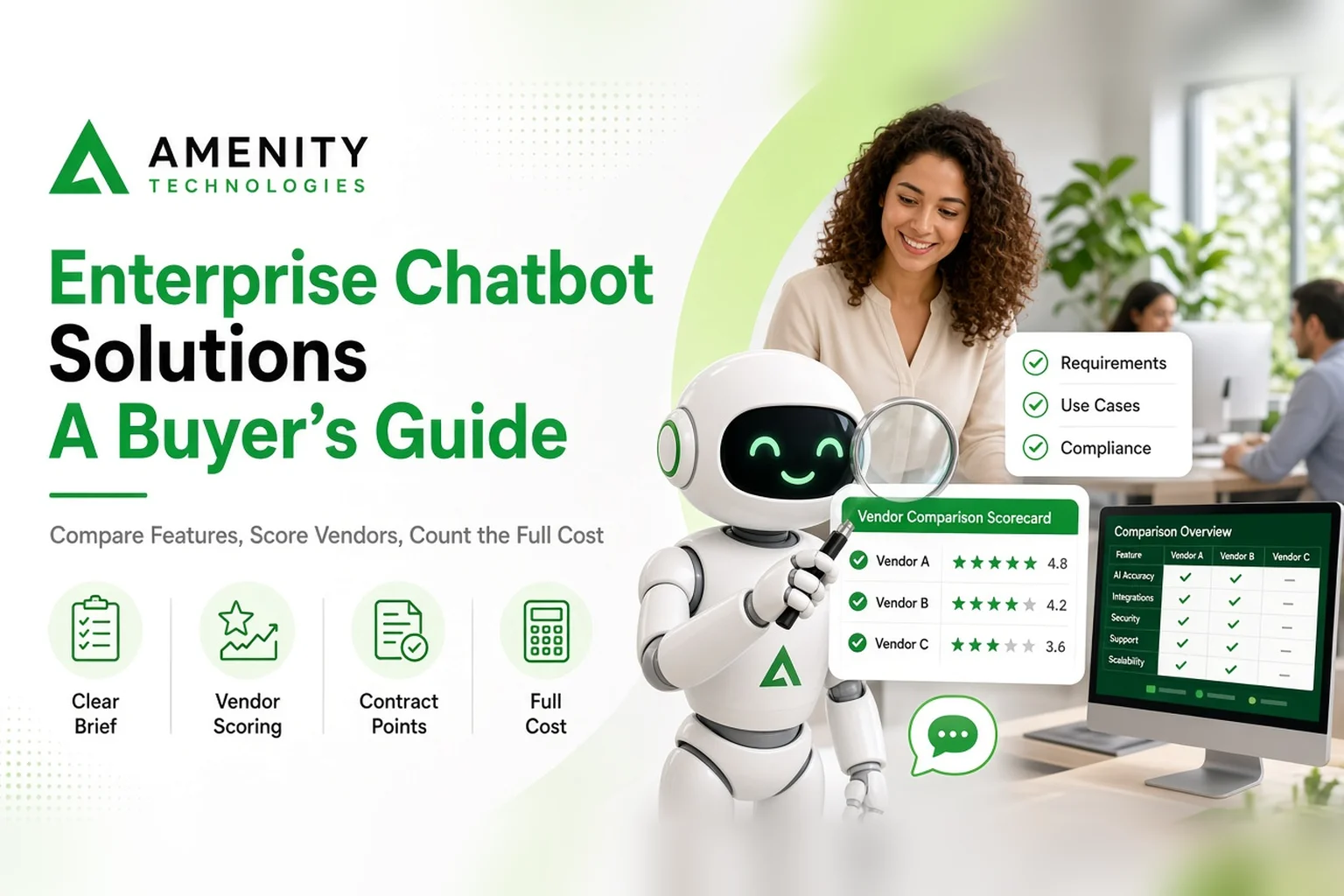
Choosing enterprise chatbot solutions usually begins with a stack of vendor presentations that all look convincing. The bots answer cleanly, the dashboards are tidy, and every salesperson has a story about a satisfied customer. Very little of that tells you how a product will behave with your content, your systems and your people.
This guide is for the person responsible for the decision. It covers how to write a requirements brief, how to run an evaluation that compares vendors fairly, which contract points deserve attention, and how to prepare your own organisation for launch. Where no ready-made product fits, an Enterprise AI chatbot development service is the other route, and most of the checks below apply to it as well.
Write the Brief First
A vendor can only answer the question you ask. Before any contact, write a short brief covering the conversations the bot will handle, the people who will use it, the systems it must reach, and what a poor answer would cost you.
Keep it to two pages. Separate the requirements you cannot do without from those you would merely like. The split matters later, when a vendor's strongest feature turns out to sit on the second list. The brief also gives colleagues something to react to, which is quicker than asking each of them to describe their needs from scratch.
Essential Enterprise Chatbot Features to Compare
Feature lists run long. These eight areas account for most of the difference you will feel in daily use.
- Understanding: How the bot handles varied wording, follow-up questions and vague requests.
- Answer sourcing: Whether replies come from your approved content, and whether a reviewer can trace an answer back to its source.
- Integration depth: Reading data is one thing and changing records is another. Ask which the product does.
- Escalation: How a conversation reaches a person, and what that person sees on arrival.
- Administration: Who can edit content and rules, and whether every change needs a developer.
- Reporting: What you can learn from conversation records without exporting them.
- Security and access: The controls available, and how you can verify them.
- Coverage: The languages and channels your audience needs, rather than the longest list on offer.
Score Vendors Consistently
Agree the criteria and their weights before the first demonstration. A company that depends on deep integration should weigh it above channel coverage, while one serving staff will put identity and access controls near the top.
Then give every vendor the same script. Write eight to ten scenarios drawn from your real conversations: a routine question, a badly phrased one, one the bot should decline, one that should reach a person, one that needs data from a connected system.
Ask each vendor to run the script live, and score the results straight afterwards while the details are fresh. A prepared showcase demonstrates a product's best case. A shared script shows how products differ under identical conditions.
Check References
Ask to speak with existing customers whose situation resembles yours, and treat any reluctance as information.
Useful questions are practical ones. What took longer than expected? What would they set up differently? How did the vendor respond when something went wrong? How long has the product been in their organisation, and is it still used for the original purpose?
Written case studies can help too, but a short conversation with a customer tells you far more about how a vendor behaves once the contract is signed.
Warning Signs
Some behaviour during the sales process predicts trouble later. Be cautious if a vendor will not run your script, cannot describe what the product does badly, quotes a price before understanding the use case, or sidesteps questions about leaving. A vendor that is open about limits is usually easier to work with than one that promises everything.
Contract Points
Commercial terms decide how the relationship works after the excitement of selection has faded. These points deserve attention, and your own legal team should review the final wording.
Service Levels
Ask what support is provided, how quickly the vendor responds to problems of different severity, and what commitments about availability are written into the agreement. Verbal assurances are not enough.
Changes and Updates
Your needs will change. Find out how new content, new topics and new integrations are requested, how long they usually take, and whether they are charged separately or covered by the agreement.
Exit
Settle the ending at the start. Ask how your data and configuration would be returned, in what form, and whether the vendor will support a transition period. A clear exit route also tells you something about how confident the vendor is in the product.
Pricing structure matters as well. Understand what grows with usage, such as conversations, users or channels, so that success does not produce an unwelcome invoice.
Counting the Full Cost
Ask for costs to be broken down so vendors can be compared on the same basis. Useful components to request separately include the initial design and build, each integration, running or hosting costs, ongoing support, and the effort of keeping content current. A proposal that covers only the build leaves out the costs that continue afterwards.
Include your own time too. Someone on your side must supply content, review answers and handle escalations. If that person has no capacity, even the best product will disappoint.
Prepare Your Organisation
Technology is rarely the reason a rollout stumbles. More often the people around it were not ready.
Name a content owner, someone who can answer the question "is this still correct?" and who has time to do it. Train the staff who will receive escalations, so they know what the bot has already said and how to continue the conversation. Tell the wider workforce what the bot will do and what it will not, so nobody is surprised when a customer mentions it. And set expectations with leadership: the first weeks will bring corrections, and that is normal.
Launching in Stages
Release the bot to one audience or one topic area first, and keep the rest of your service as it is. Give staff and early users an easy way to report wrong or unhelpful answers. Agree in advance who has the authority to pause the bot if something goes badly wrong.
Review the reports weekly at first, fix what they reveal, and then widen the scope one topic or audience at a time. Keep a simple log of changes made after each review, so you can see which fixes helped. A staged launch is slower on paper and faster in practice, since each problem is small and its cause is easy to find.
To talk through your requirements with a provider, contact the Amenity team and describe what you want the chatbot to do.
Frequently Asked Questions
What should we compare when evaluating vendors?
Language understanding, answer sourcing, integration depth, escalation, administration, reporting, security and coverage. Use the same list, with agreed weights, for every vendor.
Should we buy a ready-made product or commission a build?
If your workflows and systems fit what a product offers, a ready-made option may be enough. If they do not, a development service built around your processes is worth considering.
How should we launch the chatbot?
Start with one audience or topic area, give people an easy way to report wrong answers, review weekly, and widen the scope only as problems are resolved.