
Custom Chatbot Development: Integrating Your CRM, ERP, Ticketing and Payment Systems
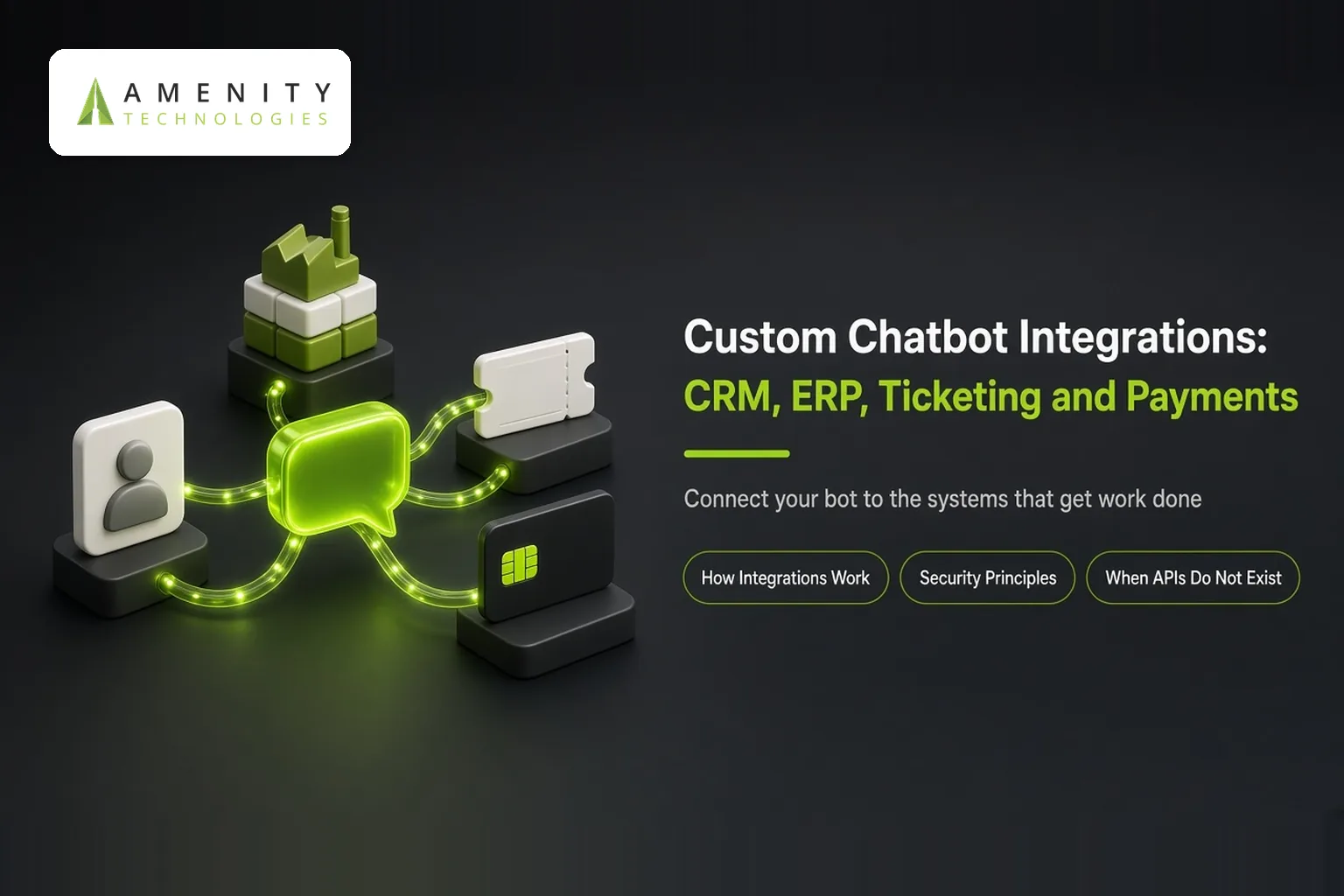
Most off-the-shelf chatbots can answer questions. What they struggle with is doing things: checking an order, updating a lead, raising a ticket, taking a payment or applying for leave. That ability comes from integrations, and it is the main reason businesses choose custom chatbot development.
This article explains the most common integrations, how they work and how to keep them secure. For the broader decision, read custom vs prebuilt chatbots.
Common Integrations and What They Enable
| System | What the chatbot can do |
|---|---|
| CRM | Create and update leads, log conversations, look up account history, book meetings |
| ERP | Check stock, order status, invoices and approvals. See our ERP AI chatbot |
| Ticketing and helpdesk | Create tickets, check status, add notes, escalate |
| Payments | Share payment links, confirm payments, send receipts |
| HRMS | Answer policy questions, check leave balances, submit requests |
| Calendars and booking | Offer slots and confirm appointments |
| E-commerce platforms | Product search, cart help, order tracking, returns |
Our case study on unifying ERP, CRM and HRMS through one chatbot shows this in practice, as does our work on conversational commerce payment bots.
How Chatbot Integrations Work
- Intent detection: the bot understands the user wants to do something, such as "where is my order?".
- Identity check: it confirms who the user is before showing private data.
- Tool call: it calls the right API with the right parameters.
- Response: it turns the system's data into a clear answer.
- Logging: it records the action for audit and analytics.
Security Principles for Integrated Chatbots
- Least privilege: give the bot only the permissions it needs.
- User authentication: verify identity before showing personal data or taking actions.
- Confirmation steps: ask the user to confirm before payments, cancellations or changes.
- Input validation: never pass raw user text directly into system commands.
- Audit trails: log every action with user, time and outcome.
For enterprise requirements, read enterprise chatbot security, integration and scale.
When APIs Do Not Exist
Older systems may lack modern APIs. Options include building an API layer, using database views with strict permissions, or document processing. Our AI API development and legacy modernisation services cover these cases.
Planning Integrations
- List the top tasks users want to complete, by volume.
- Map each task to the system and data it needs.
- Start with read-only integrations, then add actions.
- Agree error messages for when systems are down.
- Test with real data in a safe environment.
Measuring Integration Value
Track tasks completed without human help, time saved per task, errors and handovers. Integrated actions usually deliver more value than answers alone, because they remove whole steps from staff workloads. See how to measure chatbot ROI.
An Example Flow: "Where Is My Order?"
- The customer asks about an order in chat.
- The bot asks for the order number or verifies the logged-in user.
- It calls the order system and retrieves status and tracking.
- It replies with a clear update and delivery estimate.
- If the order is delayed beyond a threshold, it offers to raise a ticket or connect an agent.
This single integration can remove a large share of contacts for many retailers and distributors, because order status is often the most common question.
Common Integration Pitfalls
- Building actions before confirming data quality in source systems
- No graceful message when a system is slow or unavailable
- Over-broad permissions given to the bot's service account
About Amenity Technologies
Amenity Technologies is a GenAI and AI development company based in Ahmedabad, India, with a team of 50+ AI specialists. We build chatbots, voice bots, RAG systems, AI agents, computer vision and custom AI software for clients worldwide. See our awards and achievements.
Related Reading
- AI chatbot development: the tech stack explained
- Custom chatbot development when off the shelf is not enough
- Enterprise AI bot development: governance and rollout
Frequently Asked Questions
Why choose custom chatbot development?
Custom development lets the chatbot connect to your CRM, ERP, ticketing, payment and HR systems, so it can complete tasks and use your own data, not just answer general questions.
Which systems can a custom chatbot integrate with?
Common integrations include CRM, ERP, helpdesk and ticketing, payment gateways, HRMS, calendars and e-commerce platforms.
How do chatbots keep integrations secure?
By using least-privilege access, authenticating users, confirming sensitive actions, validating inputs and keeping audit trails.
Can a chatbot connect to systems without APIs?
Yes, by building an API layer, using controlled database access or document processing, though this adds scope.
Should chatbot integrations start with actions or read-only data?
Starting with read-only lookups is safer. Actions such as updates and payments can be added once the bot is proven.
Discuss Your Chatbot Integrations
Talk to our AI team about your use case, or explore our case studies.