
Chatbot CRM: How Chatbots and CRMs Work Together From Lead Capture to Closed Deal
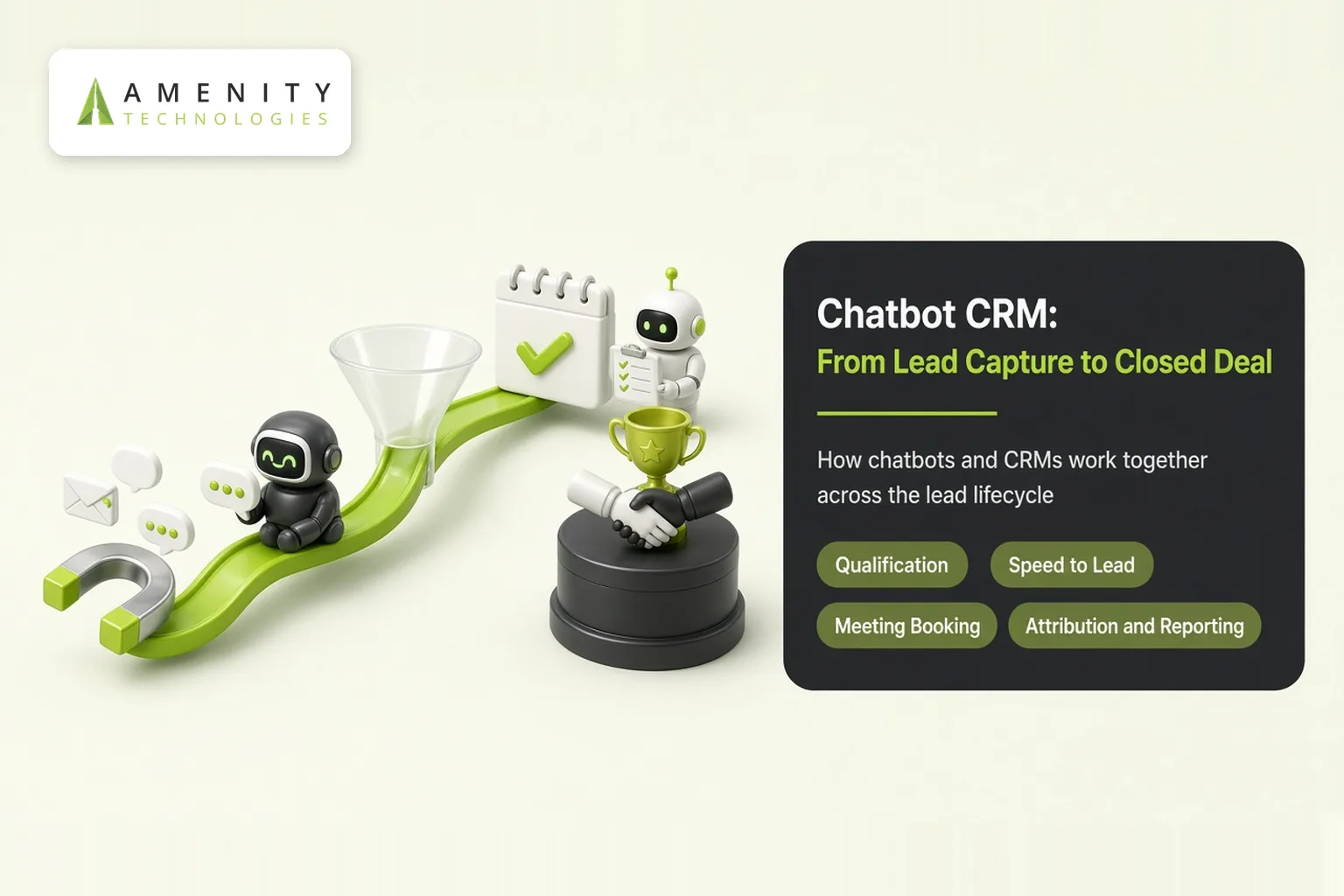
A chatbot without a CRM forgets every conversation. A CRM without a chatbot waits for leads to fill in forms. Together, they create a pipeline where every conversation becomes a tracked opportunity. This article explains how a chatbot CRM setup works across the full lead lifecycle. See our sales and lead qualification bots.
The Lead Lifecycle
| Stage | Chatbot does | CRM does |
|---|---|---|
| Capture | Starts conversations on web, WhatsApp, ads | Creates lead with source |
| Qualify | Asks budget, need, timeline, authority | Stores scores and fields |
| Route | Hands over hot leads instantly | Assigns owner and alerts |
| Book | Offers meeting slots | Creates event and task |
| Nurture | Answers follow-up questions | Tracks engagement |
| Close | Shares documents and answers objections | Updates deal stage |
| Expand | Supports customers after sale | Flags upsell signals |
Qualification That Feels Natural
Instead of long forms, the chatbot asks a few conversational questions, adapting to answers. Qualified prospects get fast access to sales; early-stage visitors get helpful content. Our AI lead bot case study delivered 3x growth in marketing qualified leads.
Speed to Lead
Response speed strongly affects conversion. A chatbot responds instantly at any hour, and CRM alerts let salespeople follow up while interest is high.
Meeting Booking
Connected to calendars and the CRM, the bot offers available slots, books the meeting and creates the event and lead record in one step.
Attribution and Reporting
- Leads and pipeline by channel and campaign
- Conversion from conversation to meeting to deal
- Common questions and objections
- Response times and drop-off points
Outbound and Re-engagement
CRM segments can trigger proactive messages or calls to dormant leads. See automated outbound calling for lead generation.
Integration Essentials
Field mapping, duplicate checks, routing and two-way sync make or break the setup. Read our chatbot CRM integration guide, plus our Zoho CRM guide.
Internal Productivity Too
The same CRM connection can power an internal CRM bot that helps reps prepare and update records.
Getting Started
- Define what makes a lead qualified for your business.
- Map qualification answers to CRM fields.
- Launch on your highest-traffic channel.
- Review conversations and conversion data weekly.
Explore AI sales automation services.
Key Takeaways
- Chatbots capture and qualify; CRMs track, route and report.
- Instant responses improve speed to lead.
- Attribution shows which channels create pipeline.
Example: From Ad Click to Meeting
A prospect clicks an ad and starts a WhatsApp chat. The bot answers two product questions, asks about company size and timeline, and identifies a qualified lead. It offers three meeting slots, books one, creates the lead and event in the CRM and alerts the account executive. The whole process takes under five minutes, at any hour, with no manual data entry.
Common Pitfalls
- Asking too many qualification questions too early
- No follow-up for leads who are not yet ready
- Measuring chats instead of pipeline
How Amenity Approaches Chatbot CRM Projects
- Define qualification and routing rules
- Integrate chat, calendar and CRM
- Launch on the highest-traffic channel
- Optimise with conversion data
Sales and marketing agree on lead definitions before launch.
Measuring Success
- Qualified leads per month by channel
- Meetings booked by the bot
- Pipeline and revenue from chatbot leads
Questions to Ask Before You Start
- What defines a qualified lead for each product?
- Which channels bring the most enquiries today?
The Bottom Line
Chatbots and CRMs work best as one system: conversations create opportunities, and CRM data makes conversations smarter. Together they shorten response times, improve qualification and show exactly which channels create revenue.
About Amenity Technologies
Amenity Technologies is a GenAI and AI development company based in Ahmedabad, India, with a team of 50+ AI specialists. We build chatbots, voice bots, RAG systems, AI agents, computer vision and custom AI software for clients worldwide. See our awards and achievements.
Related Reading
- Chatbot CRM integration: data mapping and sync
- Zoho CRM chatbot integration guide
- CRM bot: an AI assistant inside your CRM
Frequently Asked Questions
What is a chatbot CRM?
A setup where a chatbot captures and qualifies leads in conversation and a CRM stores, routes and tracks them through the sales pipeline.
How does a chatbot qualify leads for a CRM?
By asking a few conversational questions about need, budget, timeline and authority, then saving answers to CRM fields and scores.
Can a chatbot book sales meetings?
Yes. Connected to calendars and the CRM, it can offer slots, book meetings and create the related records.
How do I measure chatbot impact on sales?
Track leads and pipeline by channel, conversion from conversation to meeting to deal, response times and drop-off points.
Do chatbots help after the sale?
Yes. They support customers and can flag upsell signals in the CRM.
Turn Conversations Into Pipeline
Talk to our AI team about your use case, or explore our case studies.